Does this replace my PDF viewer?
Yes — Intuitive is a native Windows app. The whole plan set opens on one 2D canvas instead of one sheet at a time, with Free, Single, and Scrolling view modes.
The Workspace
Spread plans across a 2D canvas like blueprints on a table. Group by trade, auto-assemble by match line, and compare revisions with overlays. Every takeoff module runs on top of it.
In every plan. Your 30-day trial includes full access.
Spread plans across a 2D canvas like blueprints on a table. Group by trade, auto-assemble by match line, and compare revisions with overlays.
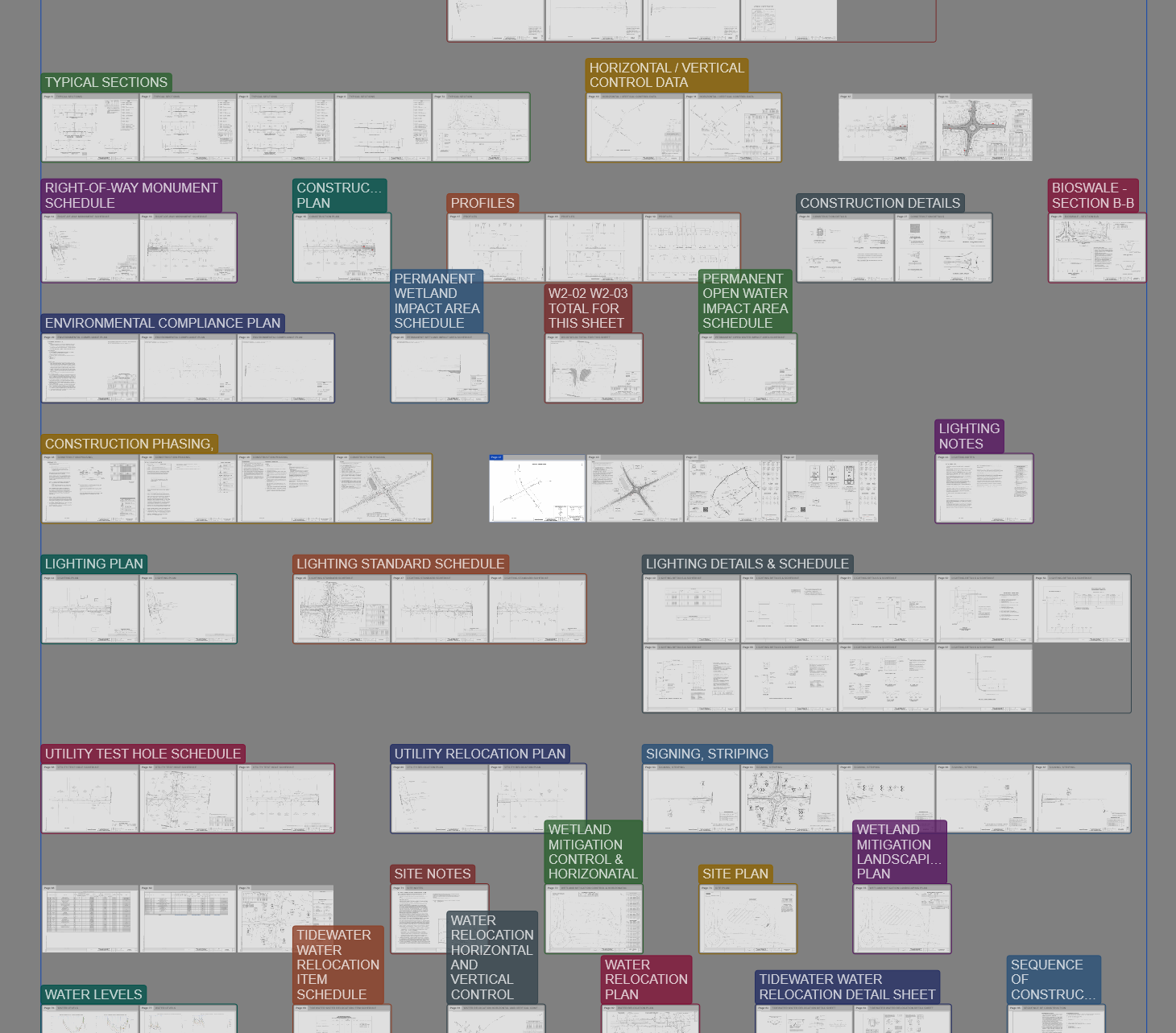
Yes — Intuitive is a native Windows app. The whole plan set opens on one 2D canvas instead of one sheet at a time, with Free, Single, and Scrolling view modes.
Match-line auto-assembly joins them into one continuous drawing, so you're not lining up edges by eye.
Yes. Scale and layers are set per sheet, so sheets at different scales sit side by side without extra setup.
Page versioning stacks the new sheet on the same page, and overlay compare shows exactly what changed between them.
Download the trial and run a live project end to end. Full access for 30 days.